
Important Information About Your 2026 Benefits
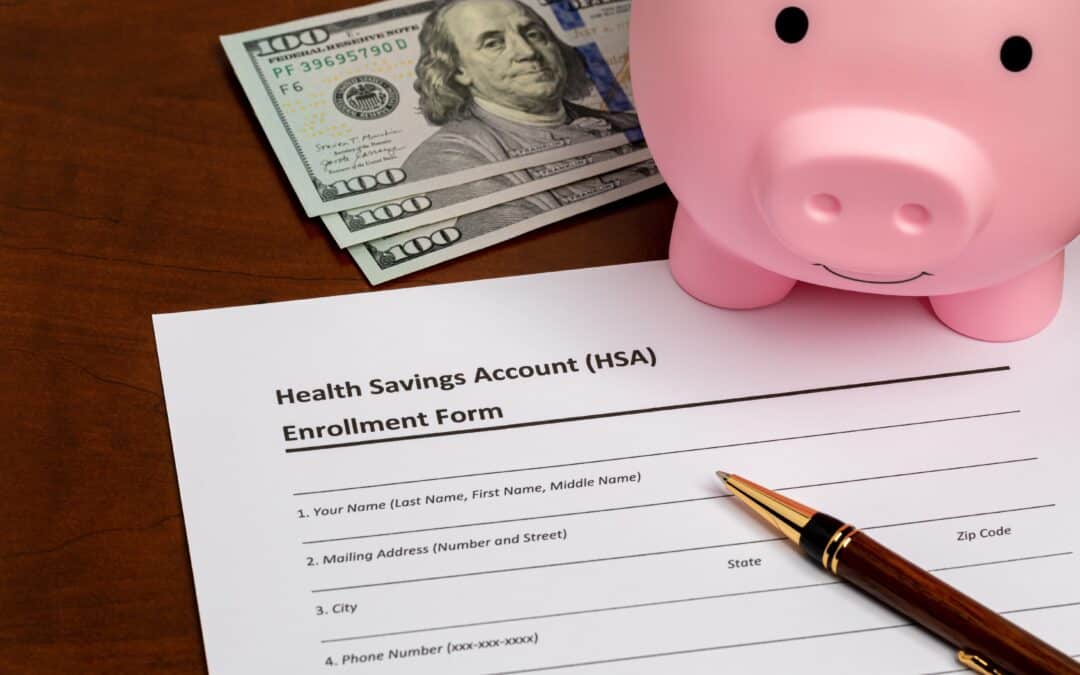
Our records indicate that you enrolled in the Signature HSA Compatible Medical Plan for 2026, but you did not enroll in the Health Savings Account (HSA) in Paycom, or you have not opened your UMB Health Savings Account.
If you did not enroll in the HSA in Paycom during Open Enrollment:
- Beginning with the 2026 plan year, to participate in the HSA and be eligible for the employer contribution, employees need to actively enroll in the plan through Paycom each plan year.
- Therefore, if you would like to participate in the HSA for the upcoming plan year, after January 1st, you can go into Paycom under Benefits > Benefits Enrollment > 2026 Enrollment and change your election.
- If you do not take action, you will remain unenrolled in the HSA for the 2026 plan year.
If you have not opened a Health Savings Account (HSA) in UMB:
- Visit Online Health Savings Account (HSA) Enrollment (umb.com) and follow the steps provided. You will need to enter Schupan’s Enrollment Verification Number: THA0001-161045 at the beginning of the application.
- Once your account is set up, you’ll receive your HSA account details and debit card by mail. Once you receive your account details in the mail, you can register for the UMB Healthcare Services portal using the following link: Healthcare Services Online – Sign Up.
- Although we recommend you make contributions to your HSA in order to maximize the benefit of participating, it is not required for you to receive the company contribution.
- The employer contribution is prorated throughout the year. Therefore, you must be enrolled in the HSA plan in Paycom and have an active UMB account in January to receive the maximum contribution.
If you have questions about the plan or need assistance with the enrollment process, please contact your TMR Business Partner or email TMR@schupan.com.